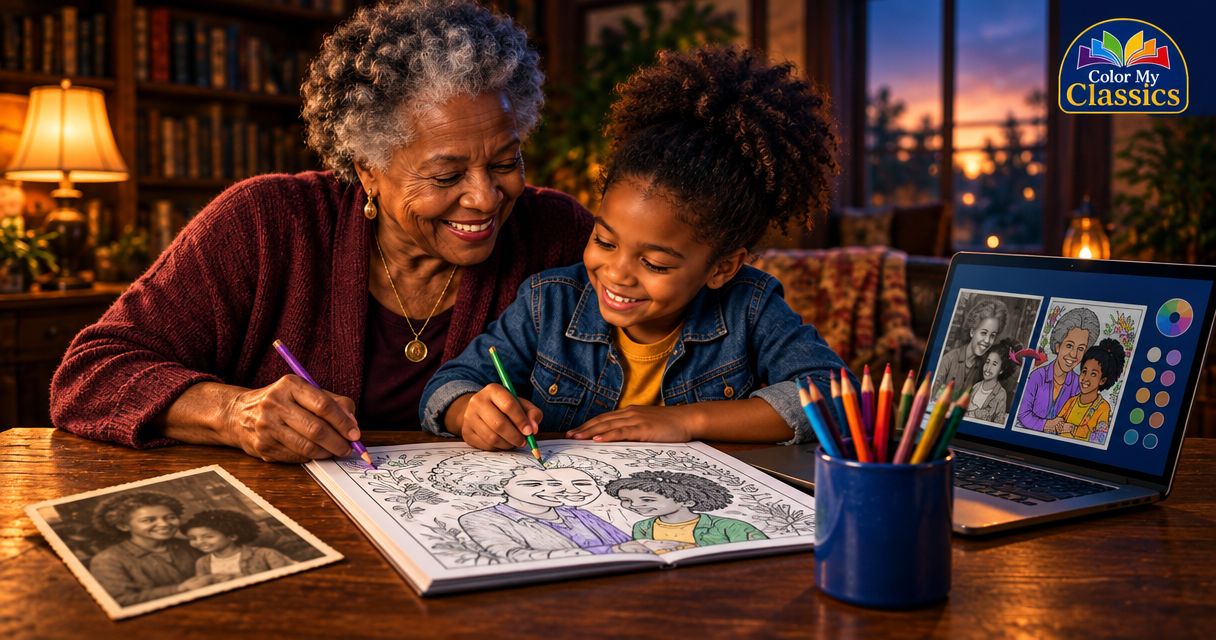
Yes—an older photo can be suitable for a custom coloring book when the face is clear and the image meets the seller’s upload requirements. The photograph’s age is not the deciding factor: a blurry scan or tiny saved copy needs closer attention, and acceptance depends on the requirements for the book you choose.
- For a custom coloring book, judge an older photo by facial clarity, not its date.
- Color My Classics suits gift buyers seeking photo-based personalization within familiar classic tales.
- Choose a clear original file or a careful scan instead of a screenshot.
- Match the photo’s age to the memory you want the gift to hold.
Can you use an older photo for a custom coloring book?
Use an older photograph when it clearly shows the person you want the story to feature. Separate two questions: whether the picture is technically suitable, and whether it captures the version of that person you want to celebrate.
For a personalized, printed storybook, Color My Classics offers photo-based personalization connected to classic tales. Check the current ordering instructions before preparing your upload; a meaningful photograph still needs to meet the book’s requirements.
| Photo option | Best for | Advantage | Limitation to check |
|---|---|---|---|
| Older digital original | A favorite expression or childhood memory | Avoids the extra step of scanning a print | A small or blurred original still lacks detail |
| Scan of an older print | A family-album keepsake | Lets you prepare a physical photograph for upload | Glare, dust, and scanning quality need attention |
| Recent digital original | A gift intended to reflect someone’s appearance today | Shows their current appearance | It might not carry the memory you want |
None of these options wins simply because it is newer. Start with the clearest picture that fits the meaning of your gift, then check whether the ordering process accepts it.
Why this matters
A photograph does more than supply a face. It chooses a moment: a child’s familiar grin, a grandchild’s younger years, or an adult’s own childhood connection to Wonderland or Oz.
For a birthday or Christmas gift in 2026, you might want the recipient to recognize themselves as they look today. For a grandparent-to-grandchild keepsake, an earlier photograph might be the whole point. Neither choice needs to follow a calendar rule.
Choose the memory first, then check the image. That keeps you from discarding a lovely older photograph just because a newer one exists—or choosing a sentimental picture whose face is too difficult to see.
An older digital photo: best for preserving a favorite moment
An older digital photograph is a sensible starting point when you still have the original file. Open that file rather than relying on the small version visible in a message thread or album preview.
Look closely at the face. Can you distinguish the eyes, nose, and mouth without guessing? Is the expression visible, or does motion blur soften everything together?
A file saved recently is not necessarily a recent photograph. Likewise, an old photograph can exist as a clear digital original. The date shown on your device does not answer the quality question.
Keep the original untouched and work from a copy. If you have several versions, compare them before editing. A screenshot of the photograph adds an unnecessary step and can leave you with less useful image detail than the source file.
The trade-off is emotional rather than technical: a clear older picture might show an appearance the recipient has since outgrown. Decide whether that difference belongs in the gift.
A scanned family photo: best for a keepsake
A printed photograph can be a starting point, but it needs a digital copy before an online upload. A careful scan lets you inspect the image without repeatedly handling the original.
Begin with a clean scanner surface and a print free of loose dust. Handle the photograph gently; do not attempt to remove marks using cleaning products unless you know the print can tolerate them.
Check the scan before making other changes. Watch for reflections, uneven lighting, clipped edges, and a face that looks softer than it does on the physical print. If the scan introduces a problem, rescan rather than trying to hide it with a filter.
If you photograph the print instead, keep the camera parallel to it and avoid glare. This is a way to create a digital copy, not a promise that the result will meet an upload requirement.
Best for a family keepsake does not mean suitable without checking. A treasured album picture deserves the same clarity check as a photograph taken today.
A recent photo: best for a present-day likeness
Choose a recent picture when you want the recipient to see their current appearance reflected in the gift. That can be especially relevant when a child’s hairstyle or other visible features have changed since the older photograph.
For children ages 4–12, let the individual child guide the choice rather than treating the whole age range alike. One child might enjoy a younger photograph; another might strongly prefer the face they recognize in the mirror now.
A newer photo still needs scrutiny. A dim room, a face turned away from the camera, or a hand covering part of the face can make a recent picture less useful than an older, clearer one.
For a 2026 birthday, ask yourself a simple question: is this gift about who the recipient is now, or a moment you want to remember together? The answer helps you choose without making “newest” the automatic winner.
Why older-photo suitability varies
The important differences are visible in the photograph and its digital copy. Use these checks before becoming attached to a particular image:
- Facial clarity: Choose a picture where you can distinguish the facial features. Enlarging a blurred image does not restore missing detail.
- Face size: A distant person in a wide group photograph leaves less facial detail to work with than a closer portrait.
- Lighting: Check that shadows or bright highlights do not conceal important parts of the face.
- Obstructions: Look for hands, hair, sunglasses, or objects covering the features you want represented.
- Copy quality: Inspect the file you will actually upload, not just the original print or a better version stored elsewhere.
- Memory fit: Decide whether the earlier appearance suits the recipient and the occasion.
The first checks concern the image itself; the last concerns your gift. Keep them separate. A technically clear photograph can still be the wrong emotional choice, while a deeply meaningful photograph can still need a better scan.
How do you prepare an older photo for upload?
Prepare the file in a simple sequence. Avoid editing merely to make the photograph look newer; your aim is a clear, faithful image that fits the stated requirements.
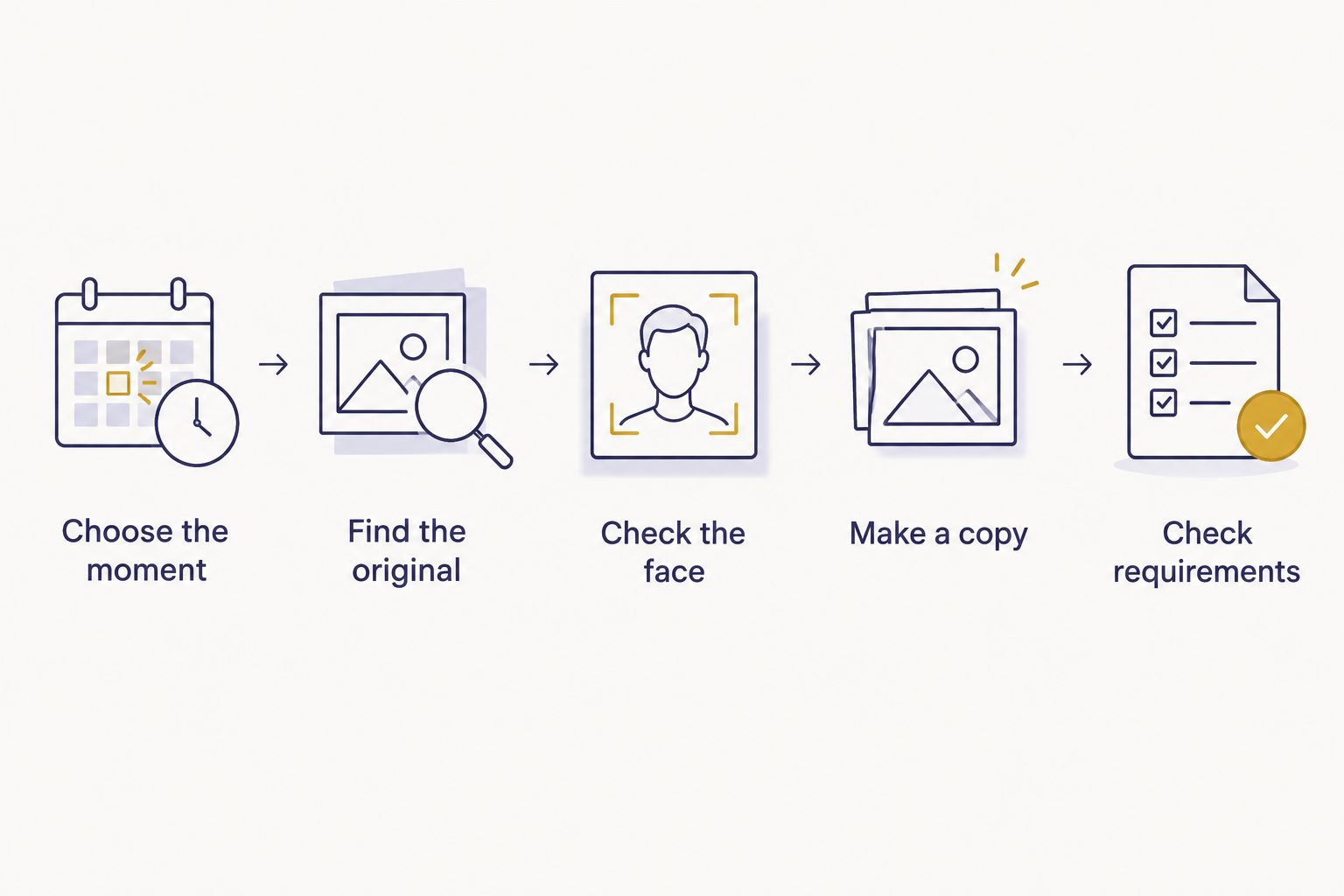
- Choose the moment. Decide whether you want a present-day likeness or a particular memory before comparing files.
- Find the original. Look for the original digital photograph or the physical print rather than a screenshot or repeatedly shared copy.
- Check the face. Open the image at a useful viewing size and inspect the eyes, nose, mouth, lighting, and anything covering the face.
- Make a copy. Scan a print if needed, preserve the original, and make any necessary adjustments on a separate file.
- Check requirements. Read the current upload instructions for file type, image dimensions, and any other stated restrictions before ordering.
If a picture only looks acceptable after strong smoothing or face-altering edits, compare another photograph. Those changes can move the image away from the expression you meant to preserve.
For a holiday order in 2026, prepare the photograph before you begin entering personalization details. That gives you room to locate a better original without rushing the choice. Use the seller’s current ordering information for timing rather than assuming a delivery date.
Does an older photo change what kind of book you should choose?
An older photograph does not determine the book format. Your intended experience does: reading a personalized story, coloring pictures, or combining the two.
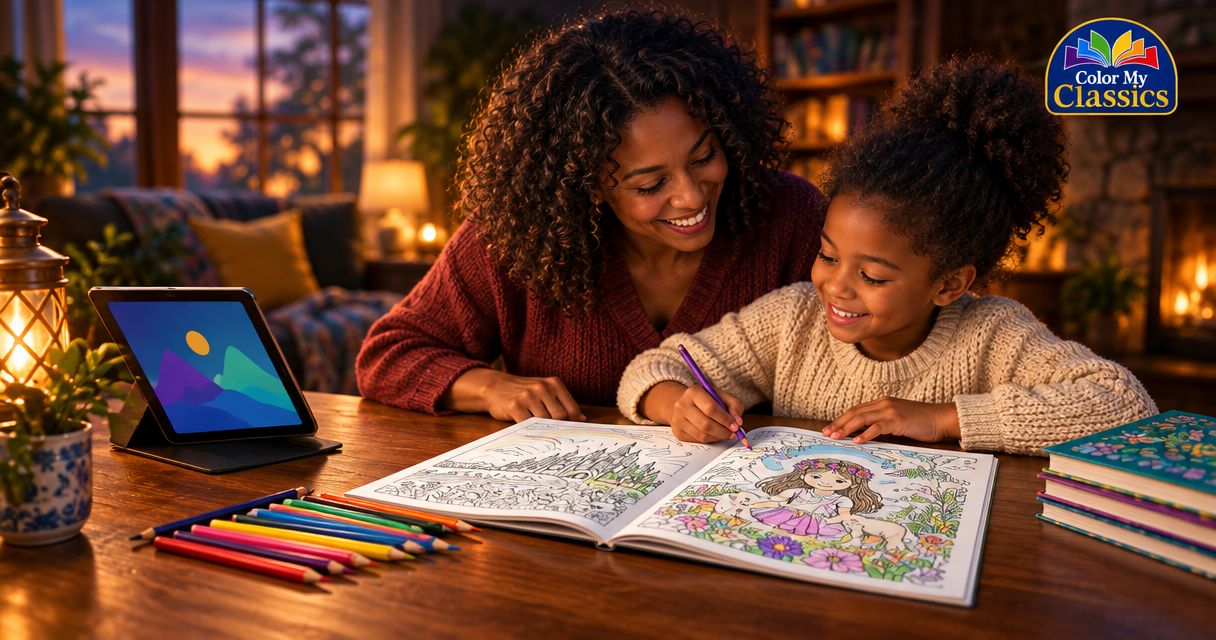
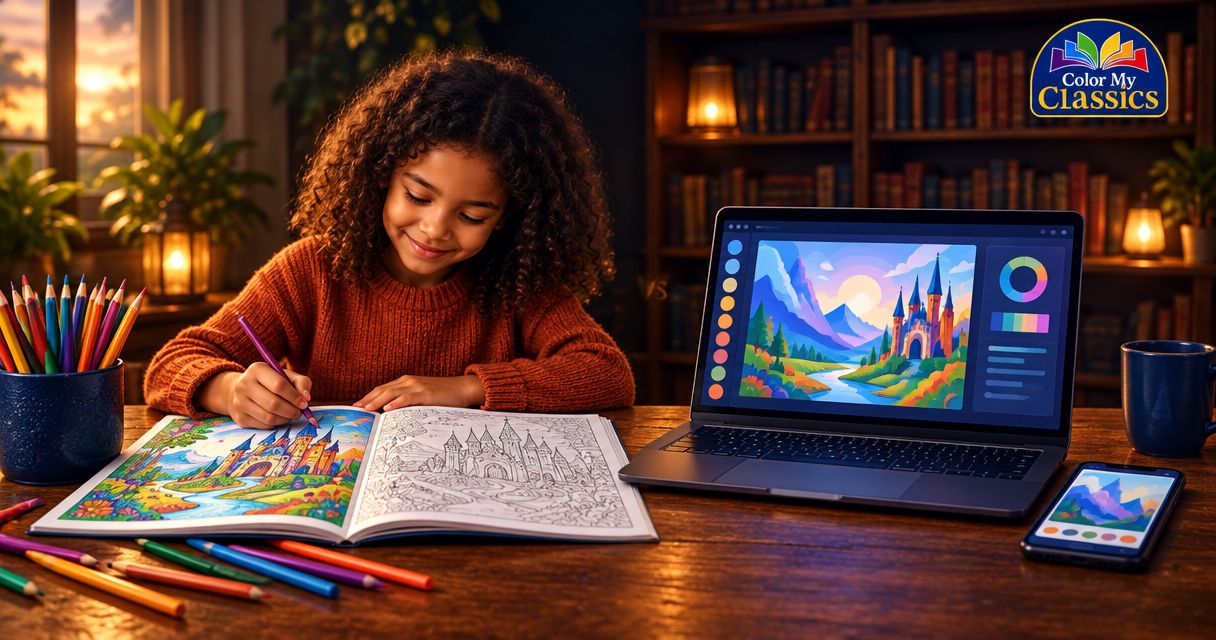
An ordinary name-only storybook changes the name within a story. A generic coloring book provides pictures to color without making the recipient the personalized character. Color My Classics combines face-and-name personalization with printed coloring storybooks based on The Wizard of Oz and Alice in Wonderland.
That combination suits someone who wants both a familiar tale and pages they can make their own. The limitation is equally useful: it is not the same choice as an untouched keepsake intended only for display. Coloring becomes part of what happens to the book.
Before choosing, decide whether the recipient enjoys coloring and whether Oz or Wonderland means something to them. Then check the current formats and ordering details; do not assume a binding option or personalization field from the photograph alone.
Which photo works for parents, grandparents, and nostalgic adults?
For a child’s birthday or year-round gift
Choose a photograph the child will enjoy recognizing. Ask a parent or caregiver when you are unsure whether an older appearance still feels familiar to the child.
You do not need a special-occasion photograph just because the gift marks a birthday. An everyday expression can be the more personal choice if it shows the face clearly and suits the recipient.
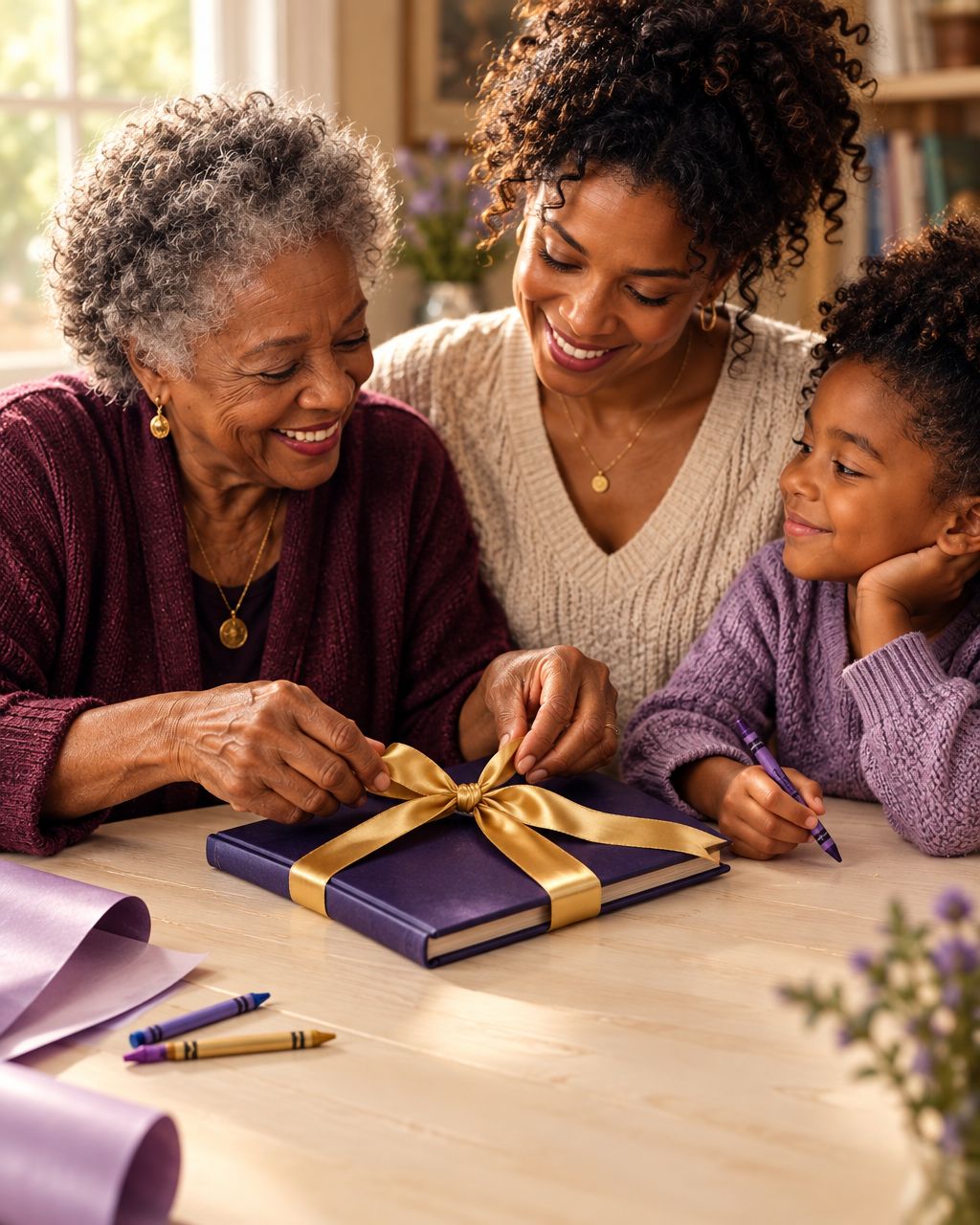
For a grandparent-to-grandchild keepsake
Choose an older photograph when the memory is part of what you want to share. You might tell the grandchild where the picture came from before sitting down together with the book.
Keep the family original safe and use a digital copy for preparation. The photograph’s sentimental value is a reason to handle it carefully, not a reason to skip the quality checks.
For a nostalgic adult
An adult choosing a gift for themselves can begin with the memory they want to revisit. A childhood photograph and a beloved classic tale can belong to the same personal story.
Check whether the chosen ordering process supports your intended recipient before submitting a photograph. The appeal of a nostalgic idea does not establish what a particular product accepts.
Is an older photo better for a Christmas gift?
An older photo is better for a Christmas gift when the shared memory matters more than a current likeness. It is not automatically the better technical image, so inspect the actual file before choosing it.
For Christmas 2026, keep the photo decision separate from the ordering deadline. Choose the picture for its meaning and clarity, then check current ordering details for your destination.
Can a blurry old photo be fixed for a coloring book?
A blurry old photo cannot be made reliably detailed simply by enlarging or sharpening it. Editing can change its appearance, but it cannot verify facial details that were not captured clearly.
Look for another copy, a better scan, or a different photograph of the same period. A faithful, clearer alternative is a better starting point than an image that needs its face reconstructed.
Should you use a childhood photo or a current photo?
Use a childhood photo for a memory-focused gift and a current photo for a present-day likeness. When both are clear, the recipient’s preference is the deciding factor.
For a gift in 2026, there is no need to make the photograph match the year. Let the story you want to share determine the moment you choose.
FAQ
Can I use an older photo for a custom coloring book?
Yes, an older photo can be suitable when the face is clear and the file meets the chosen book’s upload requirements. Judge the actual image rather than its date.
Is there an age limit for the photo I upload?
Use the seller’s current upload instructions to check for any photo-age restriction. The photograph’s date alone does not tell you whether the face is clear enough.
Can I scan an old printed photograph for a personalized book?
You can scan a printed photograph to create a digital file for checking against the upload requirements. Inspect the scan for glare, blur, dust, and missing facial detail before submitting it.
Should I use a group photo or a portrait?
A clear portrait is the simpler starting point because the intended face is easy to identify. If you want to use a group photograph, check the ordering instructions before assuming it is accepted.
Does a black-and-white photo work for a custom coloring book?
Check the chosen book’s upload requirements before submitting a black-and-white photograph. Inspect facial clarity and contrast rather than assuming that an old image needs color added.
Can I use my own childhood photograph for a nostalgic gift?
You can choose your childhood photograph as the basis for a nostalgic gift idea, then check whether the product supports that use. A clear image and an appropriate ordering process both matter.
What makes Color My Classics different from a name-only storybook?
Color My Classics offers personalized, printed coloring storybooks with face-and-name personalization in classic tales such as The Wizard of Oz and Alice in Wonderland. A name-only storybook personalizes the name without that same photo-based element.
One last thing
Before uploading, look at the photograph without thinking about its date. Does the expression feel like the person you want to celebrate?
Keep the memory, but check the file. A favorite older photograph does not need to become newer; it needs to be clear enough for the chosen book and right for the story you want to share.